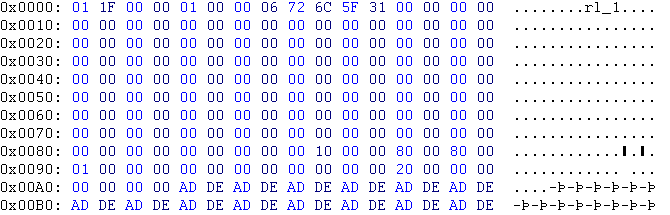
Below is the dat file part of the TXMP file.
| Line | Hex | Translation | Meaning |
| 0x0000 | 01 1F 00 00 | 31 | 00031-rl_1.TXMP |
| 0x0000 | 01 00 00 06 | 3 | level 3 |
| - | - | - | after the level info above, you have now space for 128 signs for the name of the texture |
| 0x0080 | 00 10 00 00 | 0, 16 | stored type: 0, color depth: 16 bit |
| 0x0080 | 80 00 80 00 | 128, 128 | texture size: 128 × 128 pixel |
| 0x0090 | 01 00 00 00 | 1 | alpha: off (not really) |
| 0x0090 | 20 00 00 00 | 0x0000020 | at this line begins the part in the raw file |
Other store types: 11, 1C (skybox, works with 00 too)
Other coler depths: 12
Alpha types: 00, 01, 02, 03, 08 (skybox, 32 bit uncompressed), 09, 0A, 0B
The following both pictures shows the raw file part of the TXMP file.


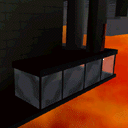
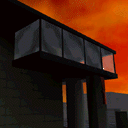
Below you can see the pictures for this example. The first picture shows, how its stored in Oni. The second one, how you will see it in the game.